
Start Here
Create and Confirm Your Account
Create the invited Devant account, confirm your email, and sign in to begin using the app.
Use the same email address that received your invitation. Confirm the account from the email message, then return to Devant and sign in.
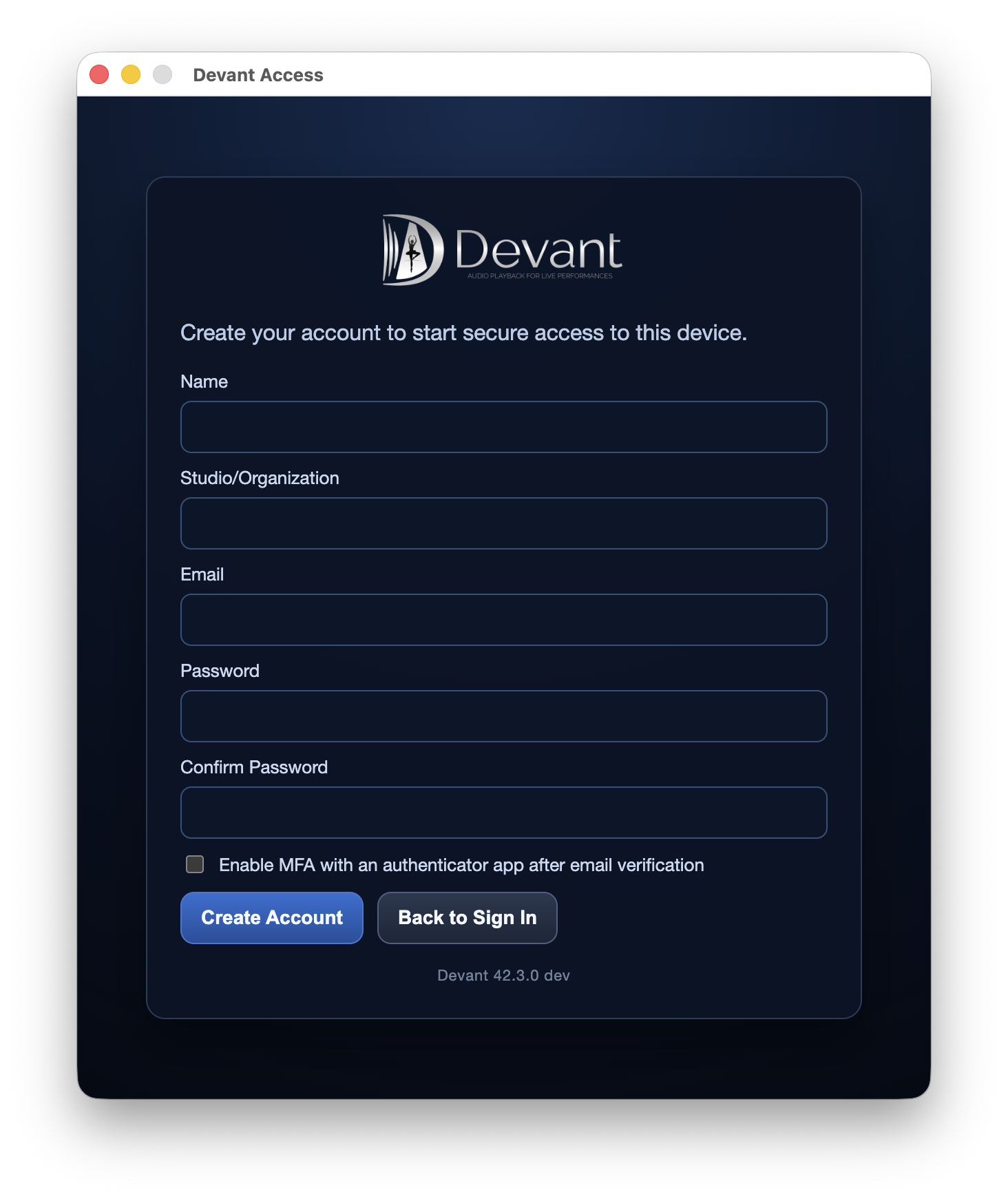
Create your account
- Open Devant and select Create Account on the Sign In view.
- Enter your Name, optional Studio/Organization, and the Email address that received the Alpha invitation.
- Enter a secure Password, repeat it in Confirm Password, and choose whether to enable MFA after verification.
- Select Create Account.
Result: Devant displays the email-confirmation view and sends a verification message to the invited address.
Confirm and sign in
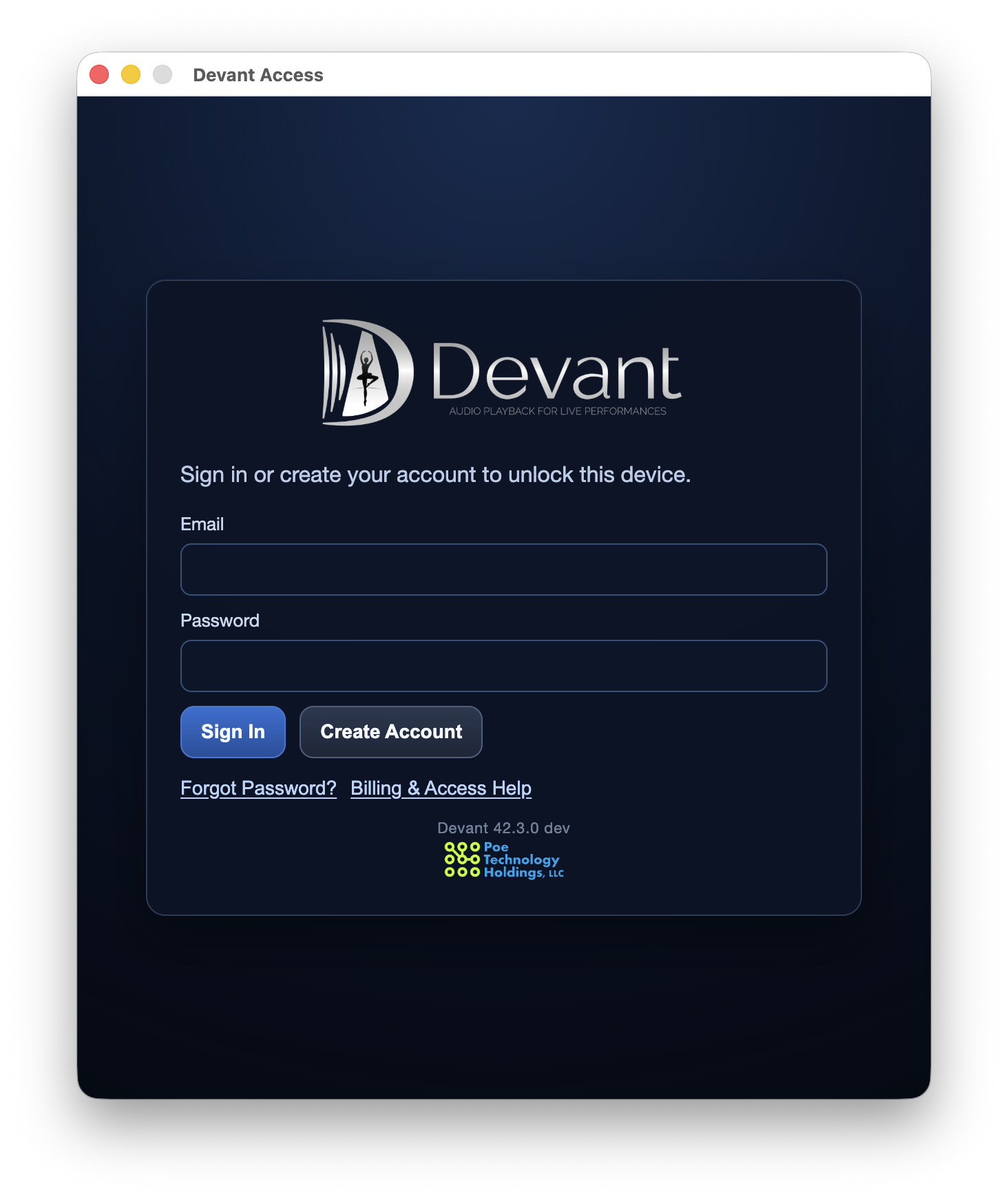
- Open the verification link in the confirmation email.
- Return to Devant and select Back to Sign In.
- Enter your Email and Password, then select Sign In.
Result: Devant verifies the account and opens the operator window when the account has active access.
Access states
During Alpha, invited accounts may have a complimentary access window or a trial. The app will show the current account and entitlement state when you sign in.