
Account and Support
Manage Your Account and Billing
Review account access, begin or manage a membership, and resolve billing changes through the secure billing portal.
Your Devant desktop account controls access to the application. The app opens the secure billing flow when you start a membership or manage payment details, invoices, plan changes, or cancellation.
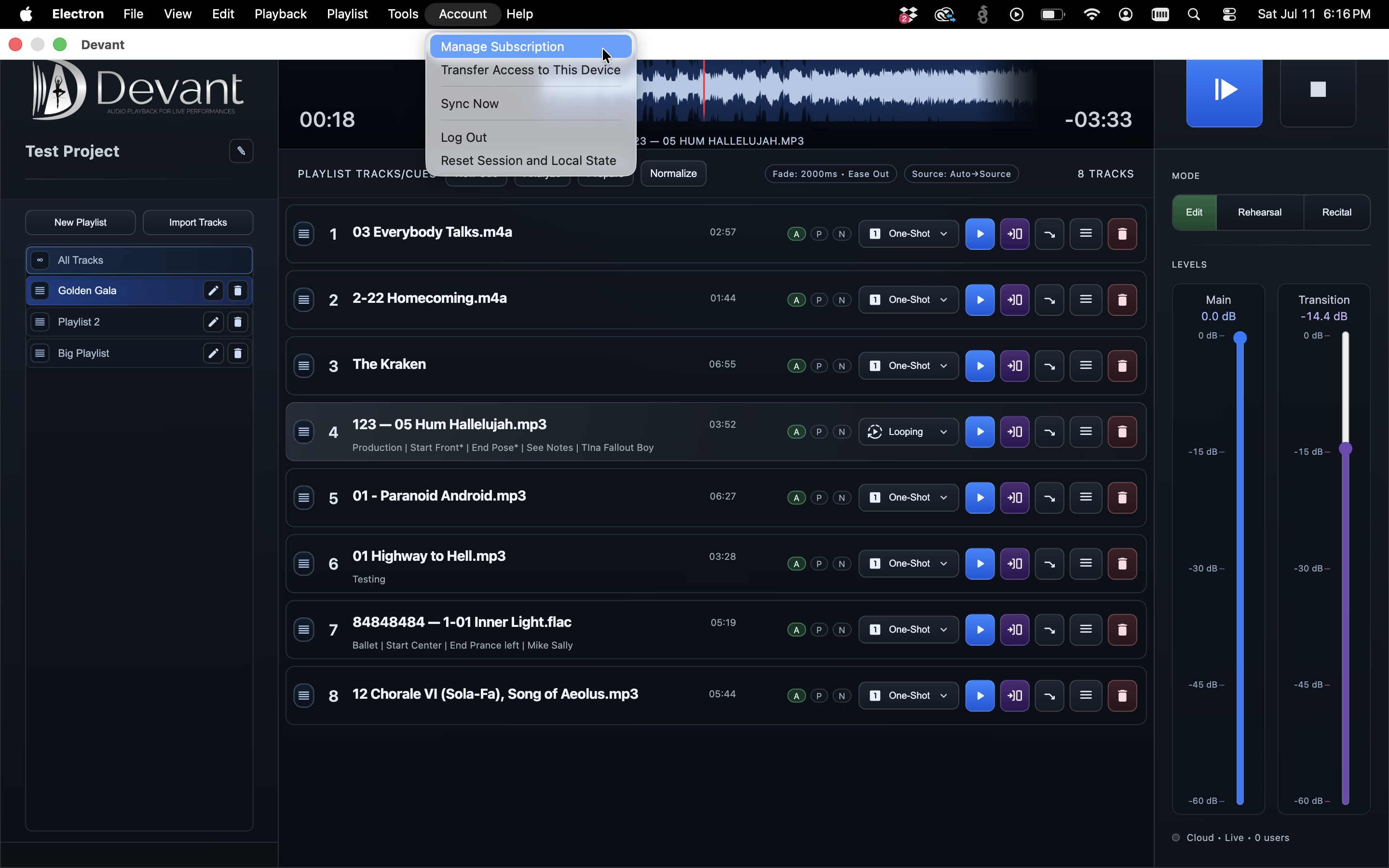
Account access
Your desktop sign-in is separate from the Backstage Viewer. Keep your account credentials private and use the same email address whenever you sign in, recover a password, or contact support about access.
Start or manage billing
- On the Devant Sign In view, select Billing & Access Help when you need to start or restore access.
- Choose the available membership plan and continue to the secure billing page.
- Use the billing-management option to update payment details, change a plan, review invoices, or cancel an active membership.
- Return to Devant and select Recheck Access after completing a billing change.
Result: Devant refreshes the account access state after the billing provider confirms the change.
Trials and access states
Eligible first-time memberships may include a trial period. A timed complimentary access period may also be offered. If complimentary access has an end date, you can choose a plan before it ends; paid billing is scheduled to begin after that access period rather than charging you early.
The current app view shows whether access is active, in trial, needs billing attention, or requires a refresh after a recent change.
If you need a password reset, use Forgot Password? on the Sign In view. If access still does not update after rechecking, export a support package and include the account email and approximate time of the change.