
Devant Rehearsal for iPhone and iPad
Devant Rehearsal for iPhone and iPad
Use the free iPhone and iPad app to rehearse one track anywhere, save an editable rehearsal file, or open a Devant package prepared on Desktop.
Devant Rehearsal keeps waveform navigation, reusable checkpoints, start countdowns, and transport control in a focused rehearsal view on iPhone or iPad. It is useful with a single audio file and also complements Devant Desktop when you need to rehearse a prepared show away from the laptop.
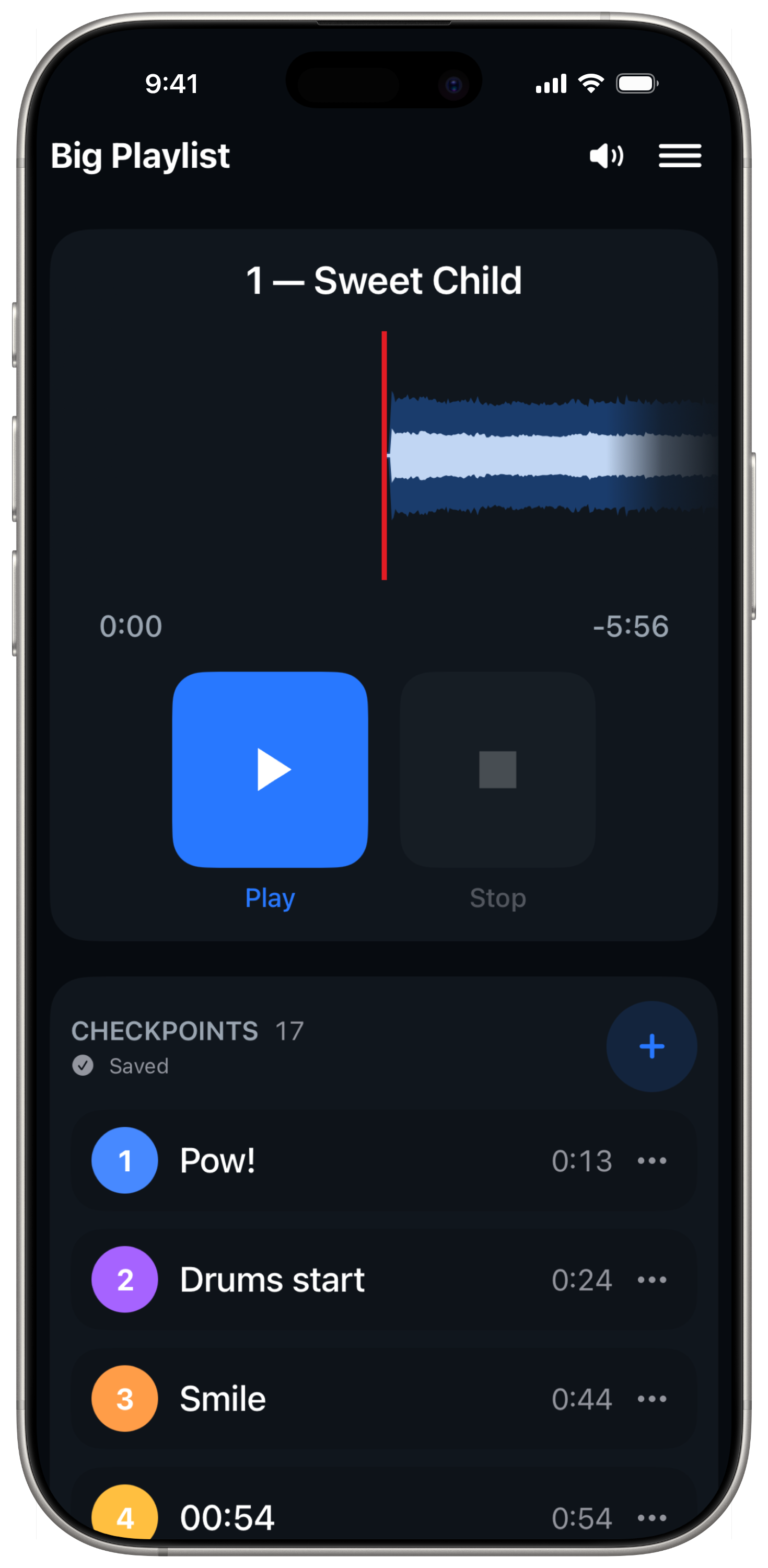
What Devant Rehearsal is for
Use Devant Rehearsal in a studio, hallway, competition venue, or any place where taking the playback laptop does not make sense.
The free iPhone and iPad app does not require a Devant account or a Desktop subscription for its standalone rehearsal workflow.
It is a focused rehearsal app, not a replacement for the full Desktop workspace. Devant Desktop remains where you build, prepare, and organize a complete production.
Use the iPad layout
The iPad app keeps the same rehearsal workflow. Portrait uses the familiar stacked transport and checkpoint view; landscape keeps the waveform transport and checkpoint list side by side.
Apple Watch controls a rehearsal hosted on a paired iPhone. When rehearsing on iPad, use the iPad transport and checkpoint controls directly.
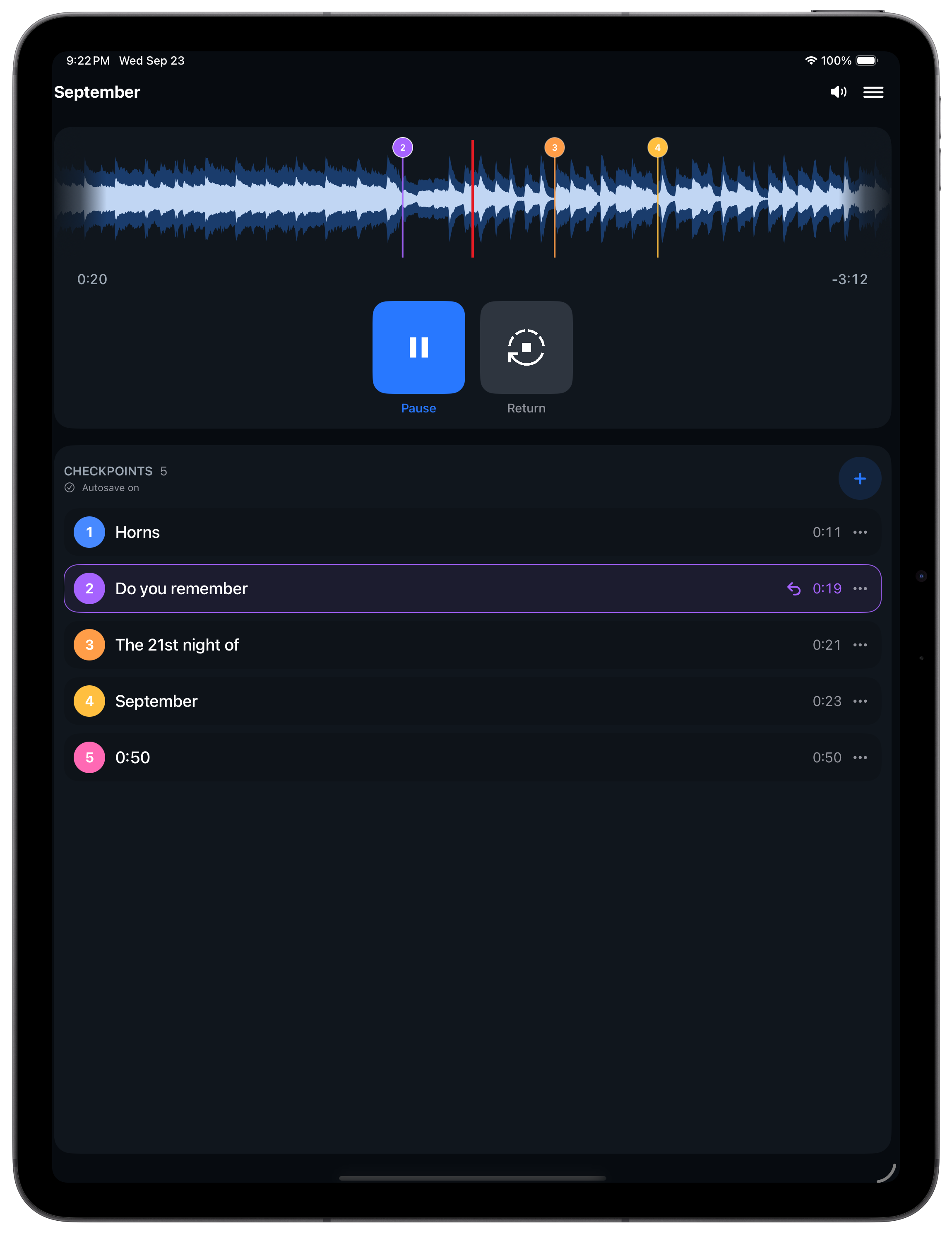
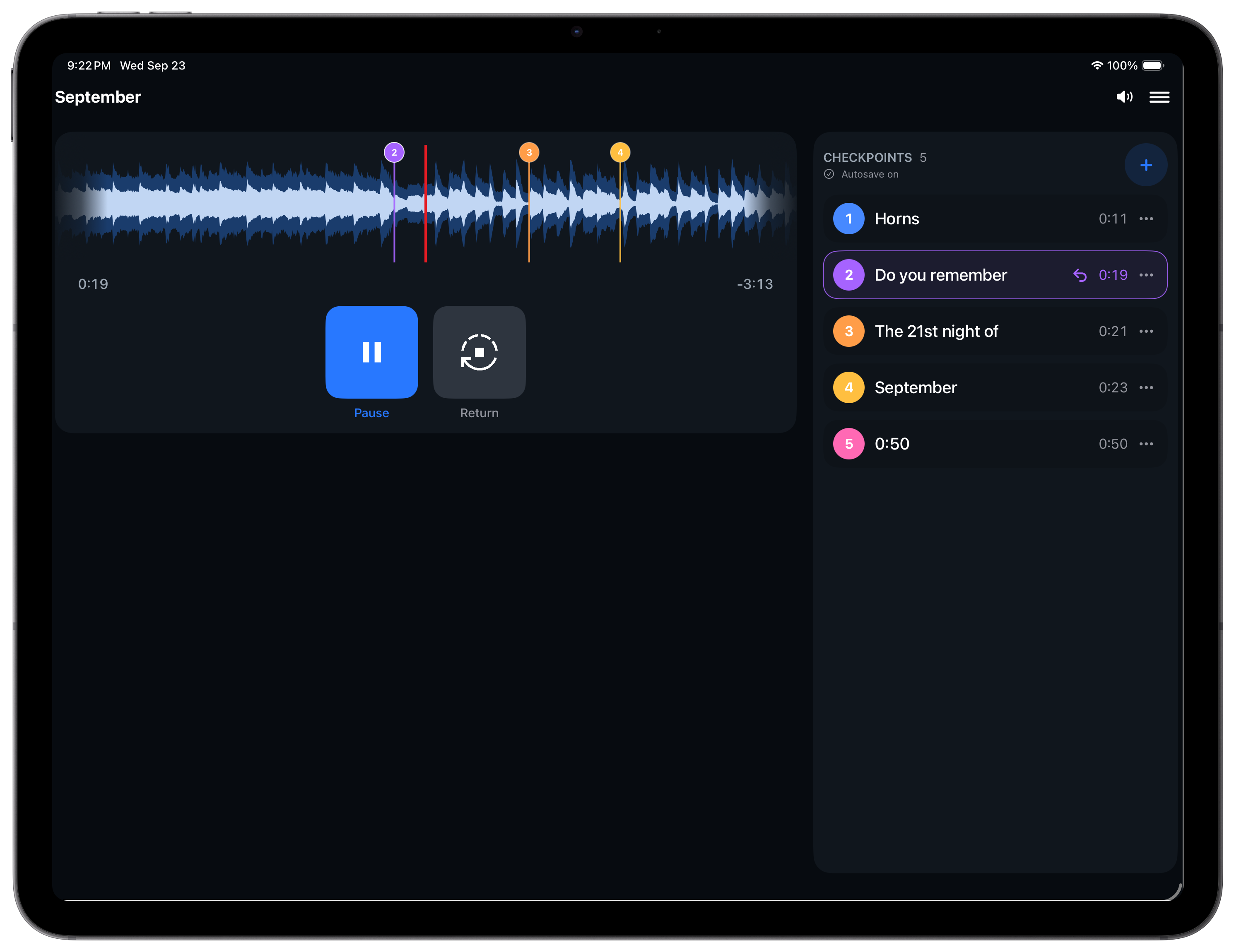
Start a rehearsal
- Open Devant Rehearsal and select Select File/Project.
- Choose compatible audio to create a new rehearsal document, open an existing .devantrh rehearsal, or choose a .devantpkg file prepared in Devant Desktop.
- When creating a rehearsal from audio, choose its name and Files location before playback opens.
- For a Devant package, choose the playlist and track you want to rehearse.
- Wait for the selected track to finish preparing, then use the waveform and transport controls to begin.
Result: Devant Rehearsal opens the selected track with its waveform and available checkpoints in view.
Choose the right workflow
- Standalone audio Open AAC, M4A, MP3, FLAC, or WAV from Files or a compatible iOS handoff. Devant Rehearsal leaves the source audio unchanged and asks where to save a new editable rehearsal document.
- Devant Rehearsal document A .devantrh file keeps one track, its waveform, and its checkpoints together. A writable file opens in place; a read-only attachment asks where to save an editable copy.
- Devant package Open a package prepared in Devant Desktop when you need its playlists, tracks, and existing checkpoint plan on iPhone or iPad. Packages stay read-only on either device.
- Apple Watch companion Use the paired Watch app for the active iPhone rehearsal's transport, start countdown, and checkpoint list. The iPhone remains responsible for playback and audio output.