
Backstage Viewer
Use Viewer on a Mobile Device
Join the read-only viewer from a phone or small tablet without crowding the backstage workflow.
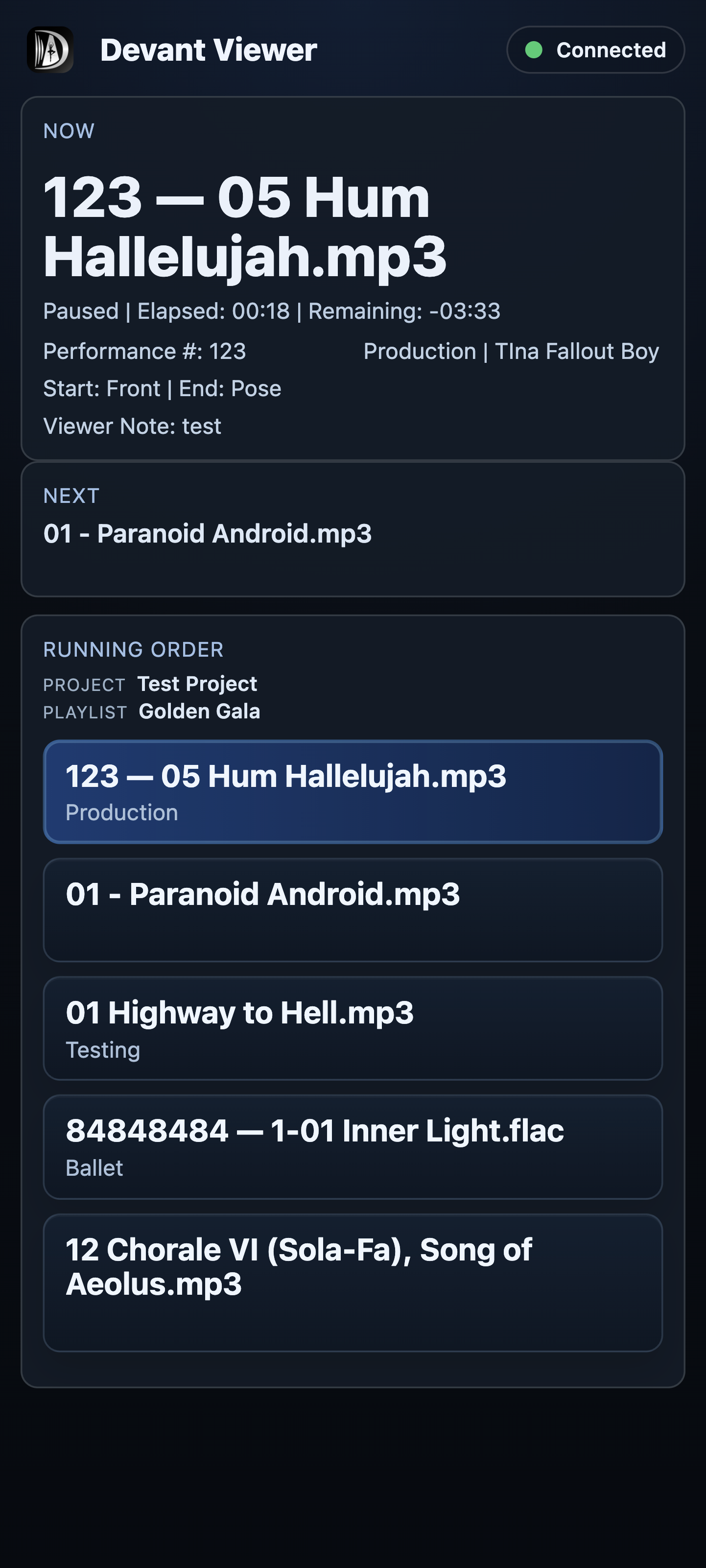
The mobile viewer keeps the current item, next item, and remaining running order readable on a smaller screen. It is intended for reference only and cannot start, stop, or alter the show.
Join from a phone or tablet
- Scan the room QR code or open the shared deep link on the device.
- Enter the room code when it is not filled in automatically, then enter your name.
- Enter the room PIN when required and select Join Room.
- Keep Layout on Auto. Phones in portrait normally use the compact mobile presentation automatically.
Result: The mobile display shows the read-only current, next, and running-order information in a compact format.
Keep the connection useful
Keep the viewer tab available while you need updates. A device that is backgrounded, asleep, or disconnected may show Reconnecting while it attempts to return to the room. In the operator's roster, the same device is shown as Away until it reconnects.